How to Leverage AI for Early Detection of Pancreatic Cancer: A Step-by-Step Guide for Radiologists
Introduction
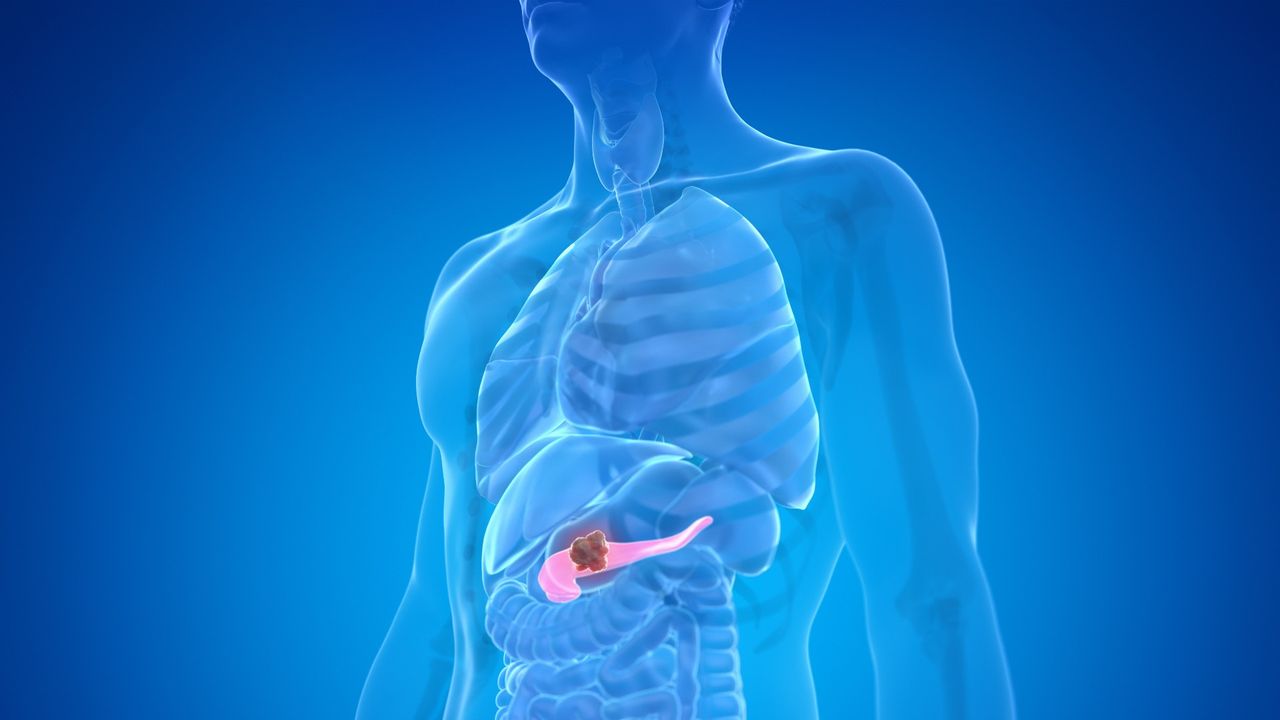
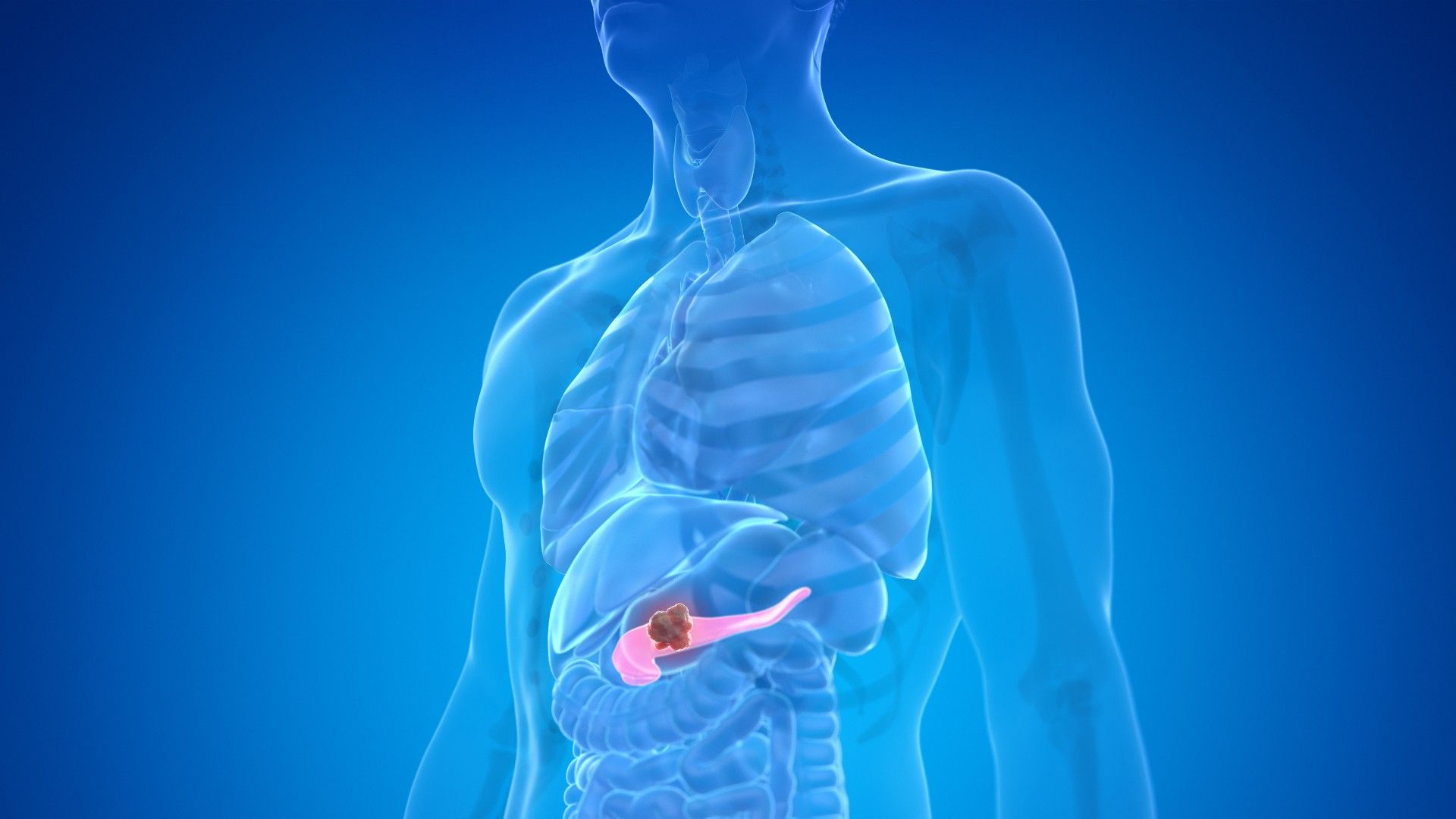
Pancreatic cancer is notoriously difficult to detect early, often presenting with vague symptoms and appearing subtle on imaging. But recent advances in artificial intelligence (AI) are changing the game. A new AI model, tested in early studies, has demonstrated the ability to spot signs of pancreatic cancer on CT scans up to three years earlier than human radiologists. This breakthrough could dramatically improve survival rates by catching the disease when it's still treatable. In this guide, we'll walk radiologists and healthcare professionals through the steps to implement and use this AI tool effectively, from preparing the necessary data to interpreting results.
What You Need
- CT scan data – High-quality, contrast-enhanced abdominal CT scans (preferred: pancreatic protocol scans) from patients at risk.
- AI software – A validated deep learning model trained on large datasets of pancreatic cancer CT scans (e.g., the model referenced in the study).
- Computing hardware – A workstation or cloud server with sufficient GPU power to run inference in reasonable time.
- DICOM viewer or integration – Software to import and export medical images in DICOM format, with API access to the AI model.
- Trained personnel – Radiologists or technicians familiar with CT interpretation and basic AI workflows.
- Storage and security – HIPAA-compliant storage for patient data and model outputs.
Step-by-Step Process
- Step 1: Collect and curate CT scans
Begin by gathering abdominal CT scans from patients who are either at high risk for pancreatic cancer (e.g., family history, chronic pancreatitis) or undergoing routine surveillance. Ensure scans are contrast-enhanced and follow a standardized protocol to maximize AI performance. Remove any personally identifiable information (PII) to comply with privacy regulations. Label each scan with basic metadata (patient ID, study date, scanner type) but do not include the final diagnosis in the AI input stage—this is for later validation.
- Step 2: Preprocess the images
The AI model expects input in a specific format. Normalize CT Hounsfield units to a standard window (e.g., -100 to 200 for soft tissue), resize slices to uniform dimensions (commonly 512×512 pixels), and convert the series into a 3D volume tensor. If the model uses single-slice analysis, select axial slices covering the pancreas region. Use image augmentation techniques (e.g., small rotations or noise) only if the model was trained with such variability. Save preprocessed data in a format compatible with the AI framework (e.g., .npy or .h5).
- Step 3: Run the AI inference engine
Load the preprocessed CT volume into the AI model. Depending on the implementation, this may be a command-line script, a web-based interface, or an integrated PACS plugin. The model will output a risk score (e.g., 0 to 1) indicating the likelihood of early pancreatic cancer, along with heatmaps or segmentation masks highlighting suspicious regions. For the model described in the original study, it identified subtle textural changes and tiny lesions that radiologists often overlook. Expect inference to take seconds to minutes per scan, depending on hardware.
- Step 4: Review AI-generated findings
Examine the AI output carefully. The heatmap overlay on the CT scan shows areas flagged as suspicious. Pay attention to the pancreas head, body, and tail—early cancers often appear as low-density, ill-defined regions. The AI may also provide a confidence score. Cross-reference with the original scan without the AI overlay to avoid confirmation bias. Document the AI findings in the radiology report, noting both the risk score and the location of any flagged abnormalities.
Source: www.livescience.com - Step 5: Corroborate with clinical information and follow-up
No AI is perfect. Compare the AI's detection with patient history, lab results (e.g., CA19-9 levels), and other imaging. If the AI flags a suspicious region but you see nothing overtly abnormal, consider recommending a short-interval follow-up CT (e.g., 6 months) or an endoscopic ultrasound (EUS) for closer inspection. In the study, the AI detected cancers up to three years before conventional diagnosis—so early detection often means subtle findings. Important: Do not base treatment decisions solely on AI output; it is a triage tool, not a diagnostic replacement.
- Step 6: Validate and iterate (optional for research)
If you are part of a clinical trial or research study, track the AI predictions against eventual outcomes. Re-train or fine-tune the model on your institution's data if you have enough labeled cases. Feedback loops improve accuracy over time. For routine clinical use, rely on the vendor's validated version.
Tips for Success
Start small. Before deploying widely, run a pilot on a set of 50-100 scans to understand the model's strengths and weaknesses in your population.
Pair AI with human expertise. The best results come from a radiologist reviewing AI flags rather than the AI acting autonomously. This synergy catches early cancers without increasing false positives excessively.
Watch for false positives. Pancreatic tissue can be heterogeneous due to atrophy, fat infiltration, or benign cysts. The AI may overcall these. Correlation with prior exams helps.
Stay updated. AI models evolve quickly. Subscribe to updates from the research team or vendor to benefit from improved algorithms and training data.
Educate your team. Hold training sessions on how to interpret AI heatmaps and when to trust or override them. Misunderstanding can lead to over-reliance or dismissal.
By following these steps, radiologists can integrate this powerful AI tool into their workflow and potentially detect pancreatic cancer years earlier—giving patients a fighting chance against one of the most lethal cancers.