Pausing Apple Watch Activity Rings in watchOS 26: Your Complete Q&A Guide
While the Activity Rings on your Apple Watch are fantastic for keeping you motivated, there are times when taking a break is the smartest move. Whether you're recovering from an illness, nursing an injury, or simply need a mental health day, pausing your rings allows you to rest without guilt. In watchOS 26, the process is straightforward. Below, we answer the most common questions about pausing your Activity Rings so you can take control of your fitness tracking.
1. Why would someone want to pause their Activity Rings?
There are several legitimate reasons to hit pause on your rings. The most common is recovery from an injury or illness. When you're unwell, your body needs rest, and maintaining your usual movement or exercise goals can actually delay healing. Other reasons include taking an active rest day, traveling across time zones (which can throw off your stand hours), or even dealing with temporary physical limitations like a sprained ankle. Pausing lets you disconnect from the pressure of closing rings without losing your progress or streak history. It's a tool designed to support your health, not add stress.
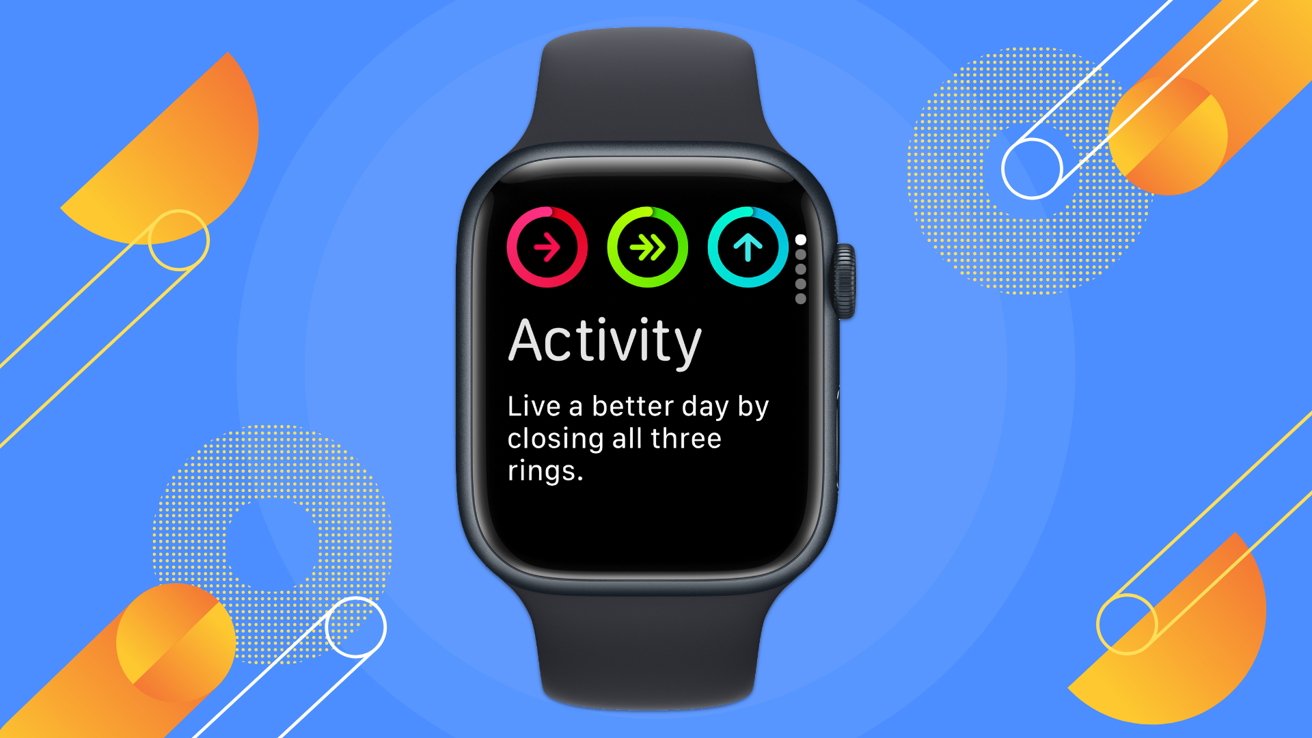
2. How do you pause Activity Rings in watchOS 26?
Pausing your rings is simple and can be done directly from your Apple Watch. First, press the Digital Crown to access the app list, then open the Activity app. Swipe up or scroll to find the "Pause Rings" option (it may appear as a button or toggle depending on your watchOS version). Tap it, and you'll be asked to confirm the pause duration—choose a preset period like one day, one week, or a custom length. Alternatively, you can navigate to the Apple Watch app on your iPhone, select Activity, and toggle the pause setting from there. Once activated, your rings will stop tracking and won't show any progress until you unpause.
3. Will pausing affect my award streaks or progress?
No, pausing your rings in watchOS 26 does not break any award streaks. Apple designed this feature so that taking a needed break doesn't penalize you. For example, if you have a 100-day move streak, pausing for three days will not reset it. Your streak will simply pause and resume from where it left off once you unpause. However, any days you are paused will not count toward streak totals. This means your streak length will essentially be on hold. It's a fair system that respects your need for recovery while preserving your long-term achievements.
4. Can I pause just one ring, like the Move ring, and keep the others active?
In watchOS 26, the pause function is all-or-nothing: when you pause, all three rings (Move, Exercise, and Stand) stop tracking simultaneously. There is currently no option to select individual rings. This design makes sense because the rings are meant to work together to give a holistic view of daily activity. If you need to limit only exercise, consider adjusting your Exercise goal to a lower value or simply not performing exercise challenges. Alternatively, you can "skip" a day without pausing—your rings will remain open, but you won't get credit for that day's goals. The pause feature is primarily for complete rest periods.

5. How do I resume my Activity Rings after pausing?
Resuming is just as easy as pausing. On your Apple Watch, open the Activity app, scroll to the pause setting, and tap "Resume Rings" (or similar wording). The same option exists in the iPhone Watch app under Activity settings. When you resume, your rings will immediately start tracking from the current time of day. Any data from the paused period (like steps taken) will not be retroactively added, so your rings will start fresh for the remainder of the day. If you had chosen a preset pause duration, the rings will automatically resume at the end of that period. You can also manually unpause earlier if you feel ready.
6. Are there alternatives to pausing the rings entirely?
If you want to take it easy but still keep your streak alive, consider adjusting your goals instead. In watchOS 26, you can lower your Move goal, change your Exercise minutes, or modify your Stand hours. This gives you a gentler target without fully stopping tracking. Another alternative is to simply ignore the rings for a day—your streak will technically be broken, but you can always start a new one. Some users also use Focus modes to silence ring notifications temporarily. The pause feature is best for planned rest periods, while goal adjustments work well for lighter activity days. Choose what aligns with your current health needs.