Building an Interactive Conference Assistant with .NET's AI Stack: Q&A
Welcome to our deep dive into ConferencePulse, an AI-powered conference assistant built with .NET's composable AI stack. This app transforms live sessions by generating polls, answering audience questions in real time, and providing intelligent summaries. Below, we answer key questions about how it works and the technologies behind it.
What is ConferencePulse and what makes it unique?
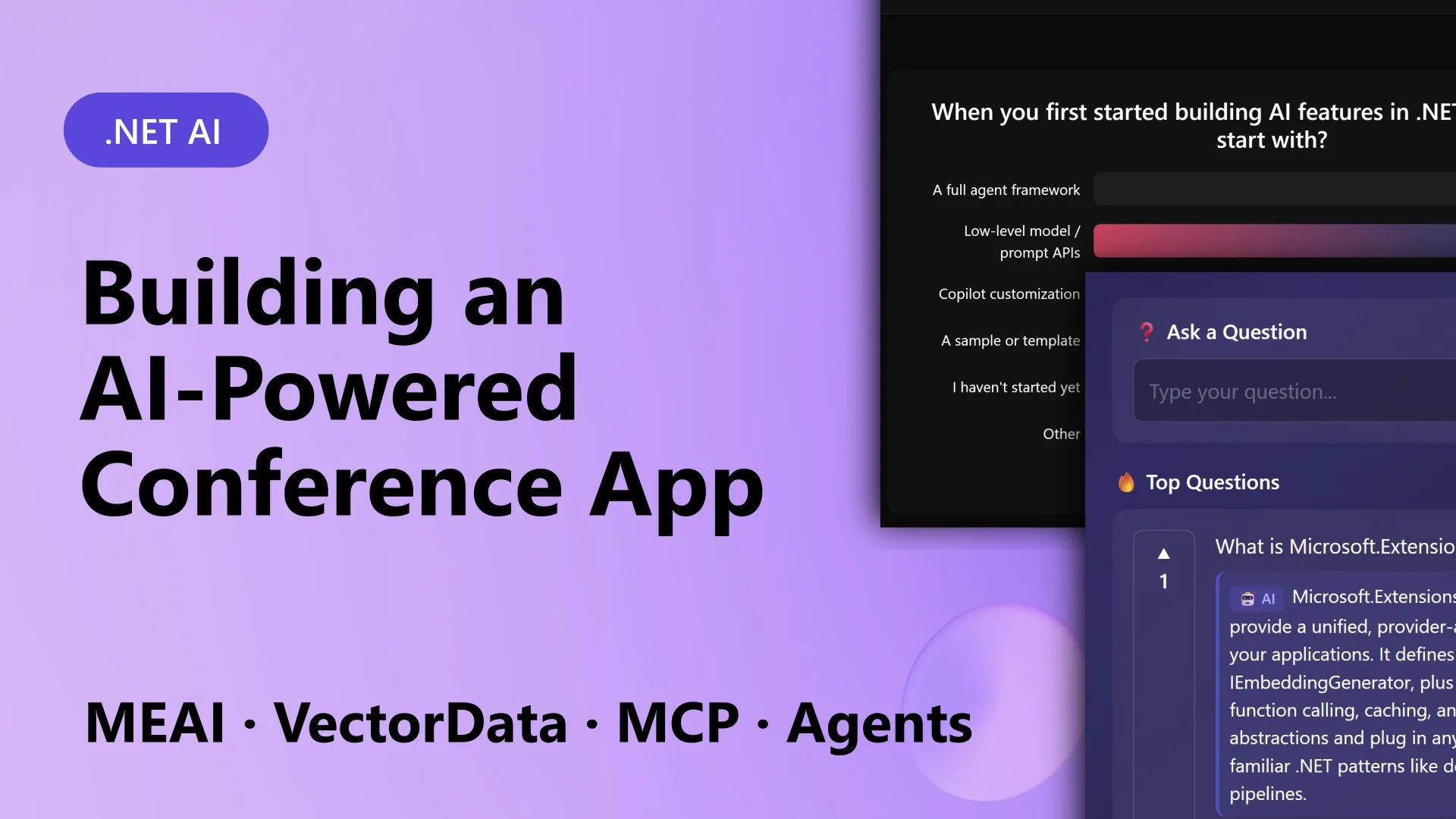
ConferencePulse is a Blazor Server application designed for live conference sessions. Attendees scan a QR code to join, then interact with the presenter through AI-generated polls and a real-time Q&A system. What sets it apart is its use of a unified, composable AI stack from .NET that eliminates the fragmentation often seen when integrating models, vector databases, ingestion pipelines, and agent frameworks. The app automates content preparation—point it at a GitHub repo, and it processes markdown into a searchable knowledge base. During a session, it runs live polls, answers questions using a RAG pipeline, surfaces auto-generated insights from engagement data, and produces a multi-agent summary when the session ends. This interactive approach replaces static slide decks with dynamic audience participation, all grounded in session content.
How does the app generate live polls using AI?
The poll generation leverages Microsoft.Extensions.AI to create relevant questions based on session content. When a presenter starts a session, the app sends the knowledge base—built from GitHub repos, Microsoft Learn docs, and other sources—to an AI model via a unified IChatClient interface. The AI analyzes key topics and generates poll questions that align with the material. Attendees vote through the Blazor UI, and results appear in real time using SignalR. The process is fully automated: the AI not only writes the poll questions but can also suggest multiple-choice options grounded in the ingested data. This ensures polls are timely, relevant, and encourage audience engagement without manual preparation.
How does the audience Q&A feature work with RAG?
The Q&A system uses a Retrieval-Augmented Generation (RAG) pipeline built on Microsoft.Extensions.VectorData and Microsoft.Extensions.DataIngestion. When an attendee submits a question, the app first searches a vector database (hosted on Qdrant) for relevant chunks from the session knowledge base. These chunks are retrieved and sent to the AI model along with the question. The model then generates an answer informed by that content, reducing hallucinations and grounding responses in authoritative sources. The knowledge base includes not only the session materials but also Microsoft Learn documentation and related GitHub wiki content. This hybrid approach ensures answers are accurate, context-aware, and delivered in real time, making the Q&A experience feel natural and responsive.
How does Microsoft.Extensions.AI simplify AI integration?
Microsoft.Extensions.AI provides a unified abstraction called IChatClient that works seamlessly across providers like OpenAI, Azure OpenAI, Ollama, and Foundry Local. In ConferencePulse, this means you can switch AI backends without changing application code—just configuration. Every AI call, from generating polls to summarizing sessions, goes through this single interface. This eliminates the need to learn different client libraries and handle each provider's quirks or version changes. The library also supports tool calling, streaming, and telemetry, making it easy to build robust AI features. By abstracting away provider details, developers can focus on the app's logic rather than integration headaches. It's a key reason why ConferencePulse could be built quickly with stable, composable components.
What role does data ingestion play in the app?
Microsoft.Extensions.DataIngestion handles the entire pipeline that converts raw content into a searchable knowledge base. When a presenter provides a GitHub repository, the ingestion service downloads all markdown files, processes them into chunks, and stores them in Qdrant vector database. The pipeline includes steps like text splitting, embedding generation via Azure OpenAI, and indexing for fast vector search. This automated ingestion prepares the knowledge base before the session starts. During the session, the same pipeline can also ingest real-time engagement data—poll results and questions—making the knowledge base dynamic. This component ensures that all AI features (polls, Q&A, insights, summaries) are grounded in the most current and relevant information.

How are AI agents used for session summary and insights?
The app employs the Microsoft Agent Framework to run multiple AI agents concurrently when a session ends. Each agent has a specialized role: one analyzes poll results, another reviews audience questions, and a third examines auto-generated insights from the session. These agents work in parallel, each using tools provided via the Model Context Protocol (MCP). After independent analysis, a merging agent combines their findings into a cohesive session summary. This approach leverages the power of multi-agent orchestration to produce a rich, comprehensive report that highlights key discussion points, audience sentiment, and areas for follow-up. The agents can also suggest improvements for future sessions, making the summary actionable for presenters.
How does Model Context Protocol (MCP) contribute?
The Model Context Protocol (MCP) standardizes how AI models interact with external tools and data sources. In ConferencePulse, MCP servers expose tools like "search knowledge base," "get poll results," and "fetch session metadata." Both the ingestion pipeline and the agent framework use MCP clients to invoke these tools. This decoupling means you can add new tools or change implementations without modifying AI logic. For example, if you switch from Qdrant to another vector store, only the MCP server adapter needs updating. MCP also simplifies debugging and monitoring because all tool interactions follow a consistent protocol. It's a critical piece that ties together the vector data, ingestion, and agent components into a cohesive, extensible system.
What is the overall architecture and tech stack?
ConferencePulse runs on .NET 10 with Blazor Server for the UI and .NET Aspire for cloud orchestration. The solution comprises five projects: ConferenceAssistant.Web (Blazor UI + orchestration), ConferenceAssistant.Core (models and state), ConferenceAssistant.Ingestion (data pipeline), ConferenceAssistant.Agents (AI agents), and ConferenceAssistant.Mcp (MCP server and client). The AppHost project uses Aspire to manage dependencies like Qdrant (vector database), PostgreSQL, and Azure OpenAI. All AI interactions go through Microsoft.Extensions.AI with a single IChatClient interface. This modular design ensures each component is testable and replaceable, making the stack truly composable and developer-friendly.