Router Button Safety: Why the WPS Button Is More Dangerous Than Reset
Introduction
Router buttons often cause confusion. While many users fear the reset switch, thinking it might erase all settings, there's another button that poses a greater security risk: the WPS button. This guide will walk you through identifying and safely using both buttons, helping you avoid common pitfalls.
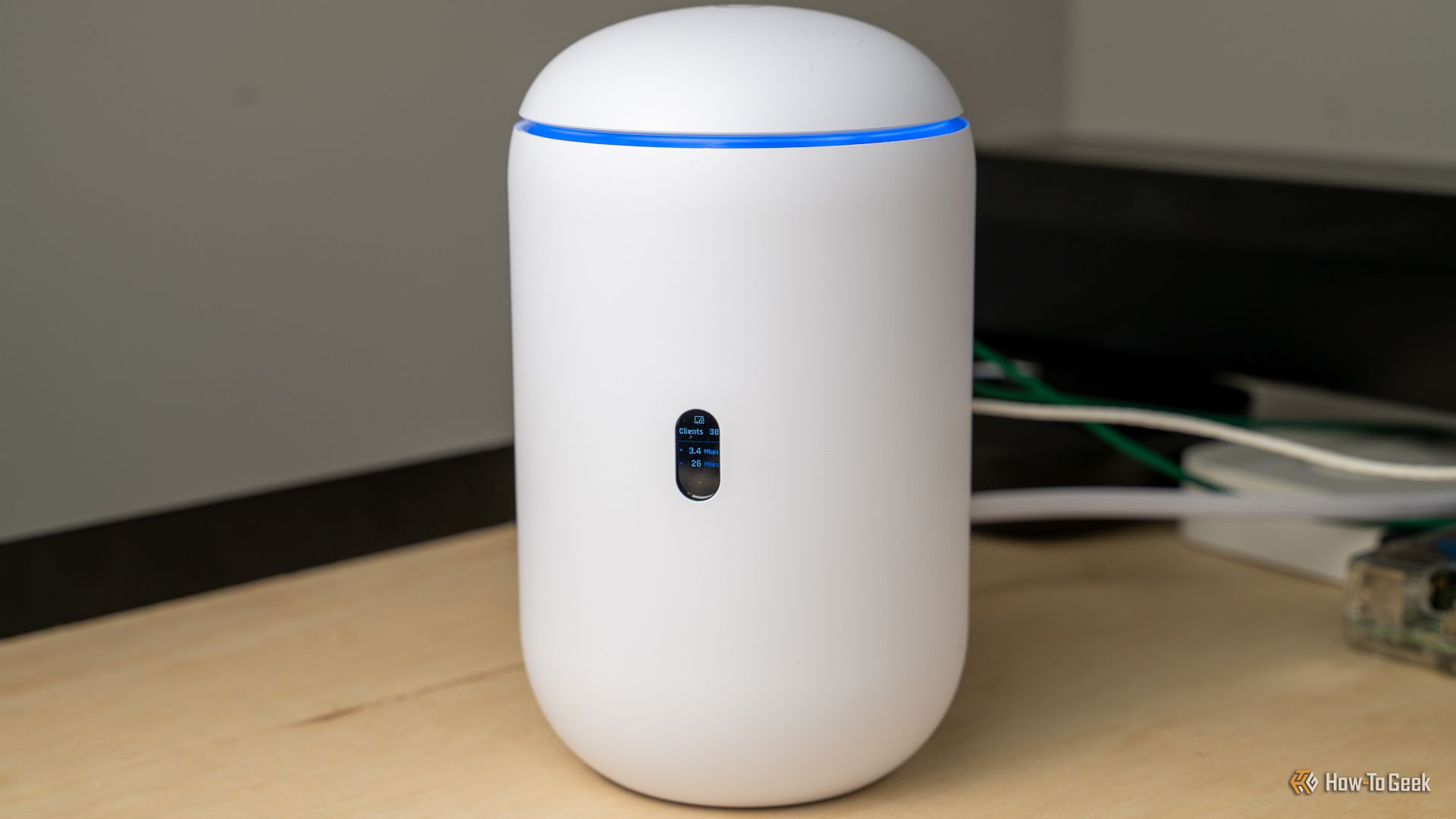
What You Need
- Your router (make sure it's powered on)
- A paperclip or pin (for accessing the recessed reset button)
- A computer or mobile device with access to the router's admin panel (optional, for verification)
- Your router's user manual (helpful but not mandatory)
Step-by-Step Guide
Step 1: Locate the Buttons on Your Router
First, examine your router. Buttons are typically on the back or side, sometimes on the front. Look for a small hole (reset) and a button labeled 'WPS' or showing two arrows forming a circle. If you're unsure, consult your manual or search online for your router model.
Step 2: Identify the Reset Button
The reset button is usually recessed inside a small hole to prevent accidental presses. It may be labeled 'Reset' or have a small triangle icon. Unlike the power button, resetting requires you to press and hold for several seconds with a pointed object like a paperclip.
Step 3: Understand What the Reset Button Does
Pressing the reset button and holding it for about 10 seconds restores your router to factory defaults. This erases all custom settings, including Wi-Fi name (SSID), password, and admin login credentials. Use this only when you need to recover from a serious issue or start fresh.
Step 4: Identify the WPS Button
Wi-Fi Protected Setup (WPS) is often activated by a physical button. It might be labeled 'WPS' or show a symbol of two arrows forming a circle. Some routers combine WPS with the reset button (e.g., holding for different durations). Check your manual if unsure.
Step 5: Understand the WPS Security Risk
WPS allows devices to connect to your Wi-Fi by pressing the button instead of entering the password. However, the WPS protocol has a vulnerability – attackers can brute-force the PIN (if enabled) in a few hours. Even without the PIN, an accidental press can allow any nearby device to connect automatically. That's why many experts consider the WPS button more dangerous than reset.
Step 6: Use the WPS Button Safely
- Press the WPS button once to enable a two-minute connection window.
- On your device, select the Wi-Fi network and choose WPS connection (often via a button or in network settings).
- Only use WPS when you need to connect a device that can't use a standard password (like some printers).
- After connecting, disable WPS in your router's admin interface to eliminate the vulnerability.
Step 7: Use the Reset Button Properly
- Locate the reset hole. Insert a paperclip or pin.
- Press and hold for 10 seconds (or until lights flash) to reset.
- Release the button, wait for the router to reboot (about 2 minutes).
- Reconfigure your router using the default admin credentials and set up Wi-Fi again.
Step 8: Verify Your Actions
After using WPS, check which devices are connected (via admin panel) and remove any unknowns. After a reset, verify that the router's default SSID appears and you can log into the admin panel. Change the default password immediately.

Tips for Safe Router Button Usage
- Disable WPS permanently – access your router settings and turn off WPS. This blocks the easiest attack vector.
- Use a strong Wi-Fi password – avoid using the default password. A complex password reduces the need for WPS.
- Only reset as a last resort – try rebooting (power cycle) first, as reset erases all settings.
- Keep your router firmware updated – manufacturers patch security flaws, including WPS vulnerabilities.
- Consider covering the WPS button – if you never use it, a piece of electrical tape can prevent accidental presses.
- Document your settings – before resetting, save your Wi-Fi and admin credentials offline.
Understanding the difference between the reset and WPS buttons empowers you to use your router safely. The reset button is a recovery tool, while the WPS button is a convenience feature with serious security implications. Prioritize disabling WPS, and you'll eliminate the greater danger.