Apple Card Co-Owner Bonus: How to Earn $100 Daily Cash by Adding a Co-Owner Before May 18
Overview
The Apple Card has been running several limited-time promotions recently, but most of those benefits have been reserved for new applicants. This time, however, existing cardholders have a chance to earn a bonus without needing to apply for a new card. From now until May 18th, you can add a co-owner to your Apple Card account and earn $100 in Daily Cash once that co-owner spends at least $100 within their first 30 days.
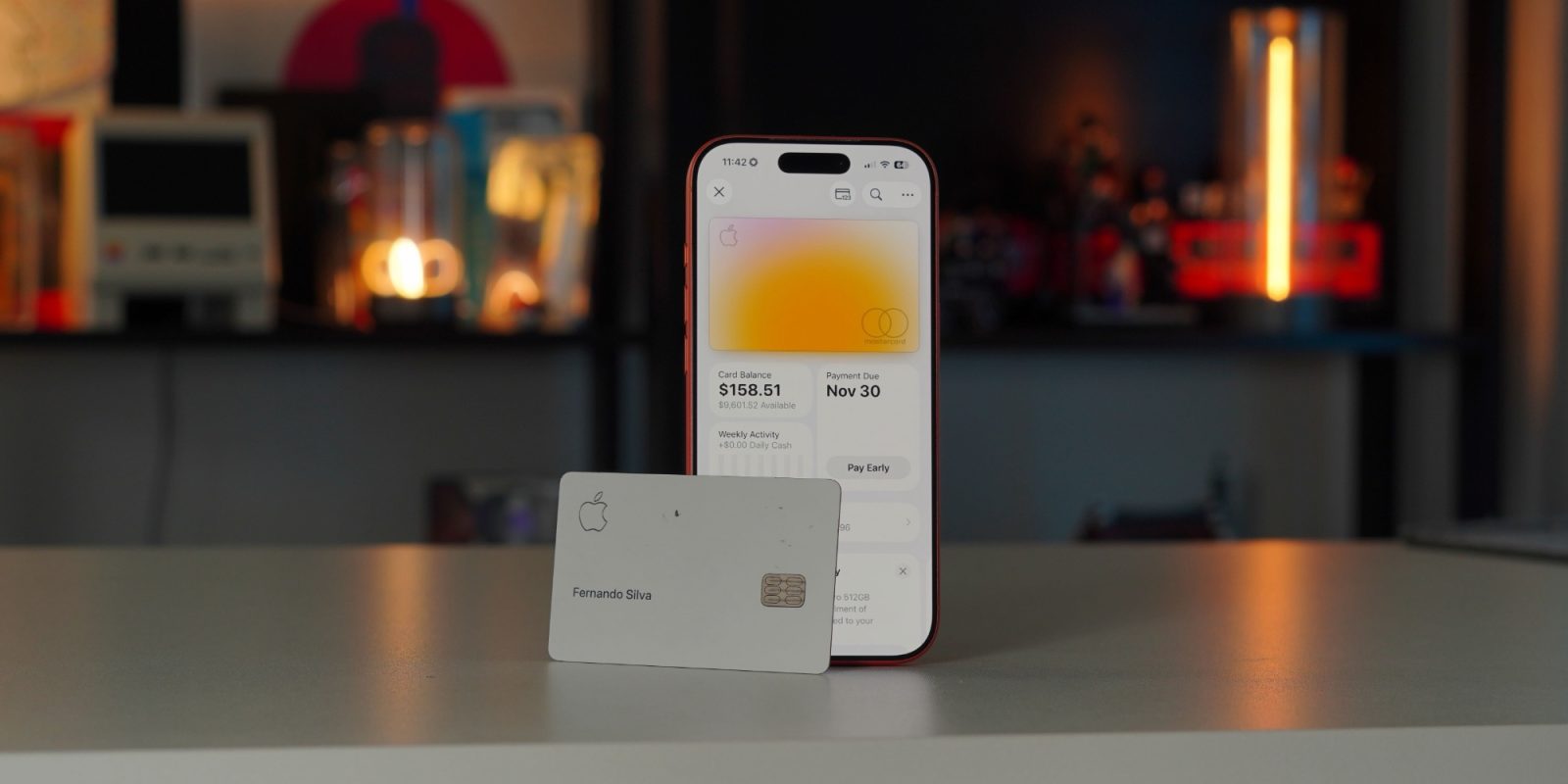
This guide walks you through exactly what you need to know to take advantage of this offer, including prerequisites, step-by-step instructions, and common pitfalls to avoid.
Prerequisites
Before you begin, make sure you and your prospective co-owner meet the following requirements:
- Primary account holder: You must already have an active Apple Card account in good standing.
- Co-owner: The person you add must be at least 18 years old and have a valid U.S.-based credit profile. They do not need to have an existing Apple Card.
- Both parties: Each of you needs an iPhone with the latest version of iOS installed, and both must use the same iCloud family sharing setup (or be part of the same Family Sharing group).
- Offer window: The co-owner must be added before May 18th, and the $100 spend must occur within 30 days of their approval. Note that this is the same offer that expired last month—it has been extended, but the date is firm.
Step-by-Step Instructions
1. Open the Wallet App
Launch the Wallet app on your iPhone. Tap on your Apple Card to access its details screen.
2. Navigate to the Co-Owner Invite
Scroll down and tap on the “Add Co-Owner” option. You may need to scroll further if you have multiple cards. This will start the invitation process.
3. Submit Your Co-Owner’s Information
Enter the co-owner’s full name, date of birth, Social Security number, and address. Both of you must provide accurate information—this is a credit application for the co-owner, and any errors can delay or cancel the bonus.
4. Accept Terms and Conditions
You’ll be prompted to review and accept the Apple Card terms for joint ownership. The co-owner will also need to review the terms on their own device. Make sure to read the fine print—especially the section about the $100 Daily Cash offer.
5. Co-Owner Completes Identity Verification
The co-owner will receive a notification to verify their identity via the Wallet app. They may need to provide additional documentation if the automated check fails. This step usually takes a few minutes.
6. Spend $100 Within 30 Days
Once the co-owner is approved and added to the account, the $100 Daily Cash bonus is earned after the co-owner makes a combined total of $100 in purchases using the Apple Card (card, Apple Pay, or online Apple purchases) within 30 days of the co-owner’s approval date. The bonus will appear in the Daily Cash balance of the primary account holder (that’s you) within a few days after the spend requirement is met.

7. Confirm the Bonus
You can check your Daily Cash balance in the Wallet app under the Apple Card section. The bonus should be posted as a separate line item labeled “Co-Owner Bonus.” If it doesn’t show up after 3–5 business days of meeting the spend requirement, contact Apple Card support.
Common Mistakes
Mistake: Adding a Co-Owner After the Offer Period
The most common error is assuming the offer still stands after May 18th. Apple has not indicated an extension beyond this date, so act quickly. If you add a co-owner on May 19th, you will not qualify for the $100 Daily Cash.
Mistake: Misunderstanding “First 30 Days”
The 30-day window begins on the day the co-owner is approved, not the day the primary account holder sends the invitation. If the co-owner’s approval takes a week, their spending clock starts later. Track this carefully.
Mistake: Not Meeting the $100 Spend Threshold
Some users assume any spend qualifies—but the co-owner must personally initiate the purchases. If the primary holder spends on the joint card, it won’t count toward the co-owner’s requirement. All $100 must be made by the new co-owner’s transactions.
Mistake: Ignoring Credit Impact
Adding a co-owner is a credit pull for that person. Both parties’ credit scores may be affected, and the co-owner becomes equally responsible for the balance. Make sure the co-owner is aware of this financial commitment.
Mistake: Not Using Apple Pay or the Physical Card
Any Apple Card purchase counts, including Apple Pay, in-app, or the titanium card. However, some merchants may code purchases incorrectly. If a purchase doesn’t register as Apple Card spend, contact the merchant or Apple Support.
Summary
This limited-time Apple Card promotion gives existing cardholders a straightforward way to earn $100 in Daily Cash by adding a co-owner. As long as you add the co-owner before May 18th and the co-owner spends $100 within their first 30 days, you’ll receive the bonus. Be sure to read the terms, avoid the common pitfalls outlined above, and enjoy the extra cash back. For more tips on maximizing your Apple Card rewards, check our Overview or Step-by-Step Instructions sections again.