5 Budget-Friendly 3D Printed PC Upgrades That Save You Money
If you own a 3D printer that's gathering dust, it's time to put it to good use. Instead of spending money on off-the-shelf accessories for your PC gaming setup, you can create custom, cost-effective solutions at home. These five 3D-printable upgrades will enhance your gaming experience without breaking the bank. From cable management to cooling improvements, each project is a simple way to maximize your printer's potential and save cash.
1. Custom Cable Management Clips
Messy cables can ruin the clean look of any gaming rig and even hamper airflow. 3D printing your own cable management clips is a no-brainer. You can design clips that attach to your desk's edge, route cables along the back of your monitor, or bundle wires neatly inside your PC case. The cost per clip is mere pennies, while retail alternatives often charge a premium for simple plastic. By printing your own, you also get the freedom to match colors or add custom logos. This small upgrade instantly gives your setup a professional, organized appearance.
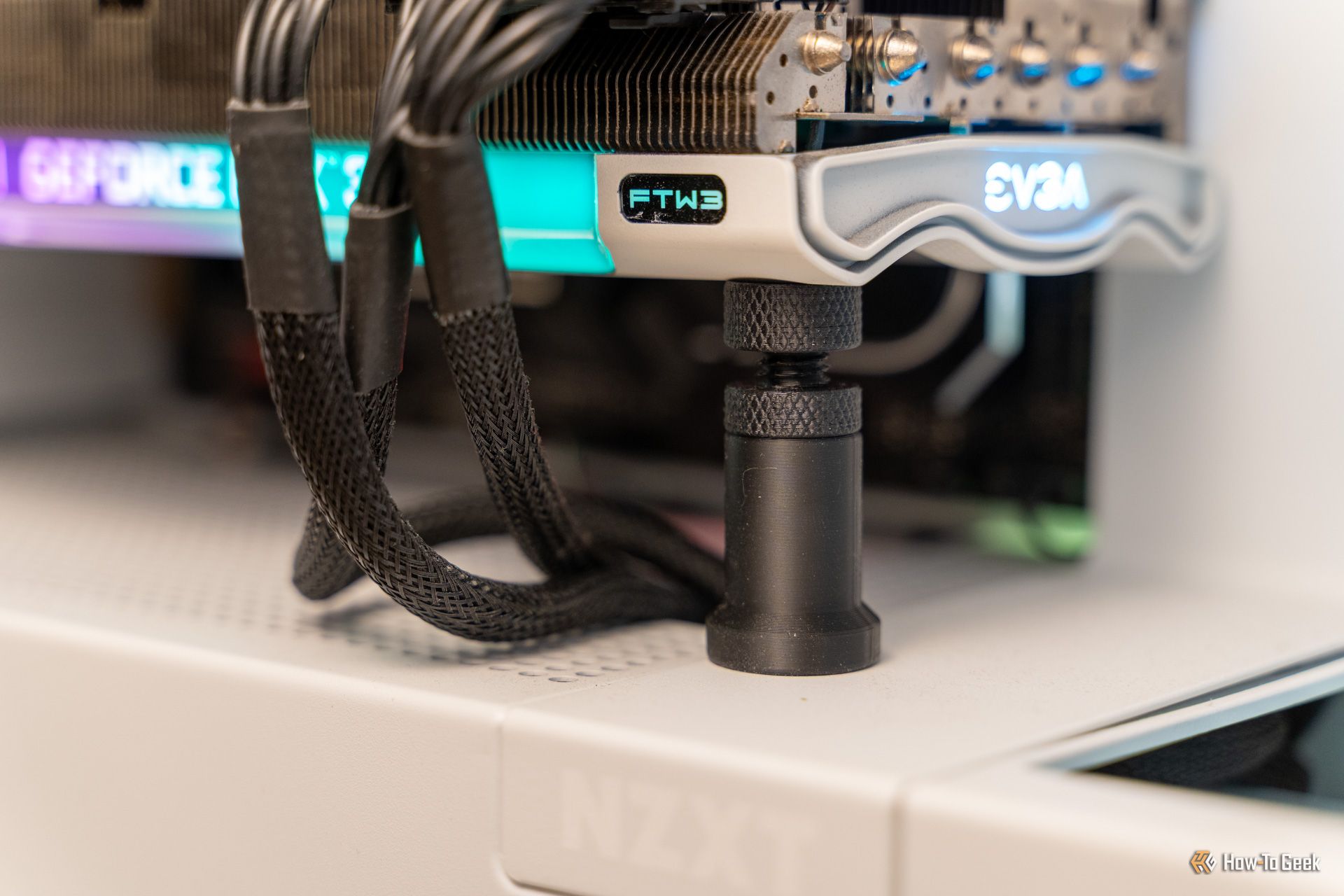
2. Headphone Stand with Integrated Storage
A dedicated headphone stand keeps your prized gaming headset safe and adds a touch of style. Instead of buying a branded stand for 20 dollars or more, you can print one at home for almost nothing. Many free 3D models include clever additions like a slot for your USB dongle or a small drawer for earpads. You can even incorporate a cable hook underneath to keep your headphone cord from tangling. This upgrade not only looks great but also extends the life of your headset by preventing accidental drops and creases in the band.
3. Fan Shrouds and Airflow Ducts
Improving your PC's cooling doesn't have to mean buying expensive aftermarket fans. 3D-printed fan shrouds and ducts can direct airflow exactly where it's needed. For example, a duct that funnels cool air from the front intake directly to the CPU cooler can lower temperatures by several degrees. Such parts are a few cents of filament each and can be custom-fitted to your specific case and fan size. If you have a noisy graphics card, a printed shroud can also help seal air gaps, reducing turbulence and noise. This is a smart, cheap way to get better thermal performance without spending a fortune.
4. Keyboard Wrist Rest with Riser
Long gaming sessions can strain your wrists. A comfortable wrist rest is essential, but buying a memory foam or gel model can be pricey. With your 3D printer, you can create a sturdy, ergonomic wrist rest that fits your keyboard perfectly. Many designs feature a removable top layer so you can swap in a soft foam insert you already have. Add angled risers to tilt the keyboard exactly how you like. The total material cost is under a dollar, and you can iterate the design until the height and shape feel just right. This simple addition reduces fatigue and makes your desk feel truly customized.
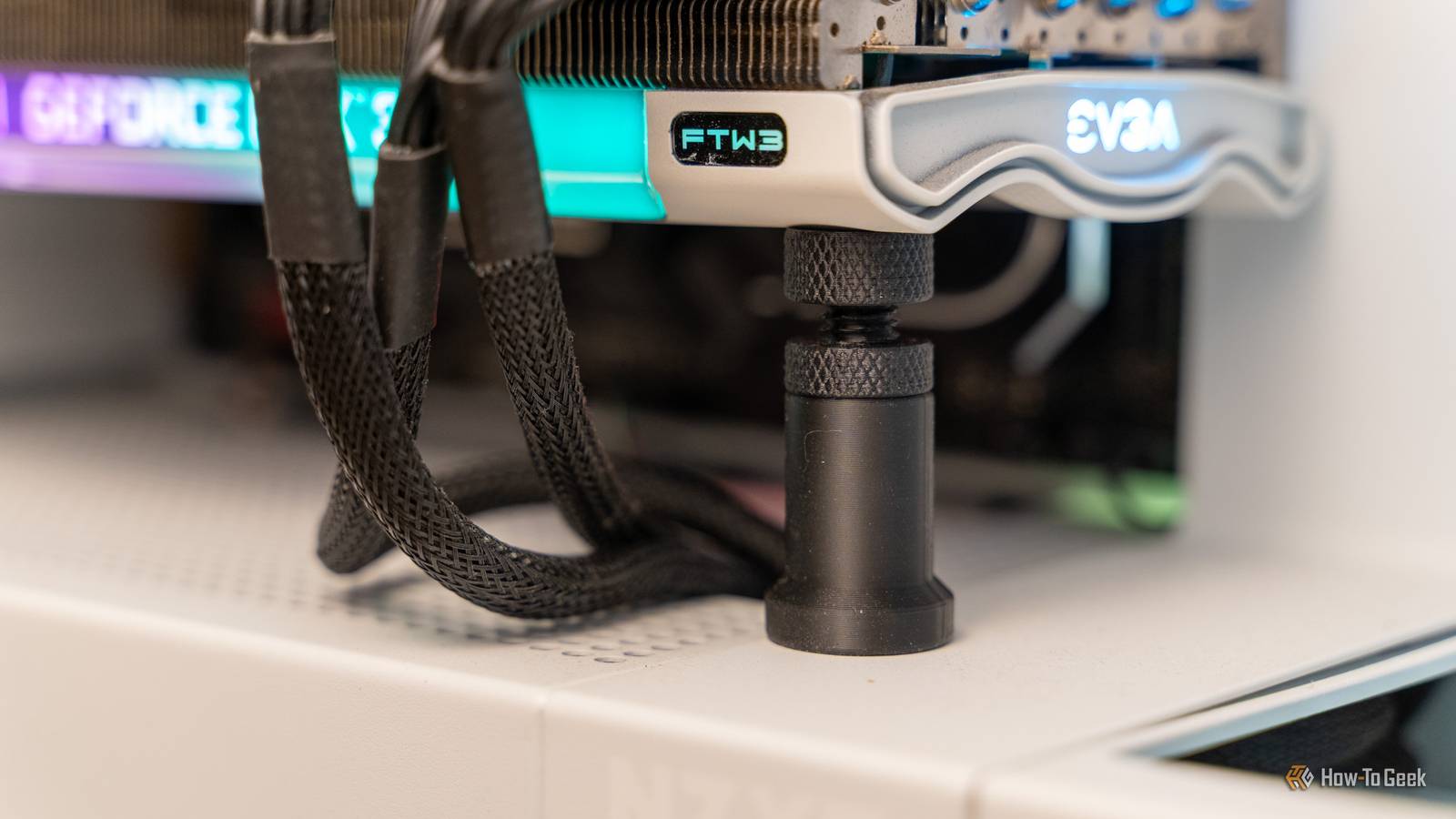
5. GPU Support Bracket or Anti-Sag Stand
Modern graphics cards are heavy, and over time they can sag, putting stress on the PCIe slot and potentially damaging the motherboard. Retail GPU support brackets cost ten to thirty dollars, but you can print a sturdy support pillar or an adjustable stand for a few cents. Simply measure the distance from your card's far edge to the case floor, and print a column that locks into place. Some designs even include a small shelf that cradles the GPU gently. This upgrade is critical for keeping your high-end card safe and ensuring your build stays rock-solid. It's one of the cheapest ways to protect expensive hardware.
Conclusion
These five 3D-printed upgrades prove that a little creativity and a few pennies of filament can replace pricey accessories. Whether you're looking to clean up cables, improve cooling, or protect your investment, each project is quick to print and install. Your idle 3D printer is a money-saving tool, so start with these simple designs and watch your gaming setup transform without draining your wallet.