USB Port Speed Scandal: Laptop Ports Often Deliver Far Less Than Advertised, Experts Say
A startling investigation has revealed that many modern laptops ship with USB ports that operate at speeds far slower than their labels suggest, leaving consumers with a false sense of performance. Leading hardware analysts warn that the gap between advertised and actual throughput can exceed 50 percent, particularly in ports using the USB 3.2 Gen 2 standard.
"The USB-IF's naming conventions have become a minefield for consumers," said Dr. Emily Tran, a connectivity researcher at TechLabs. "A port labelled 'USB 3.2 Gen 2' might only function at half the theoretical speed because of shared bandwidth or substandard internal wiring." This discrepancy, she adds, often goes unnoticed because casual users rarely run bandwidth tests.
Background
The confusion stems from a series of rebranding efforts by the USB Implementers Forum (USB-IF). Over the past decade, USB 3.0 was renamed to USB 3.1 Gen 1, then later to USB 3.2 Gen 1 — while USB 3.1 Gen 2 became USB 3.2 Gen 2, and faster USB 3.2 Gen 2x2 reached 20 Gbps. All these ports look physically identical.
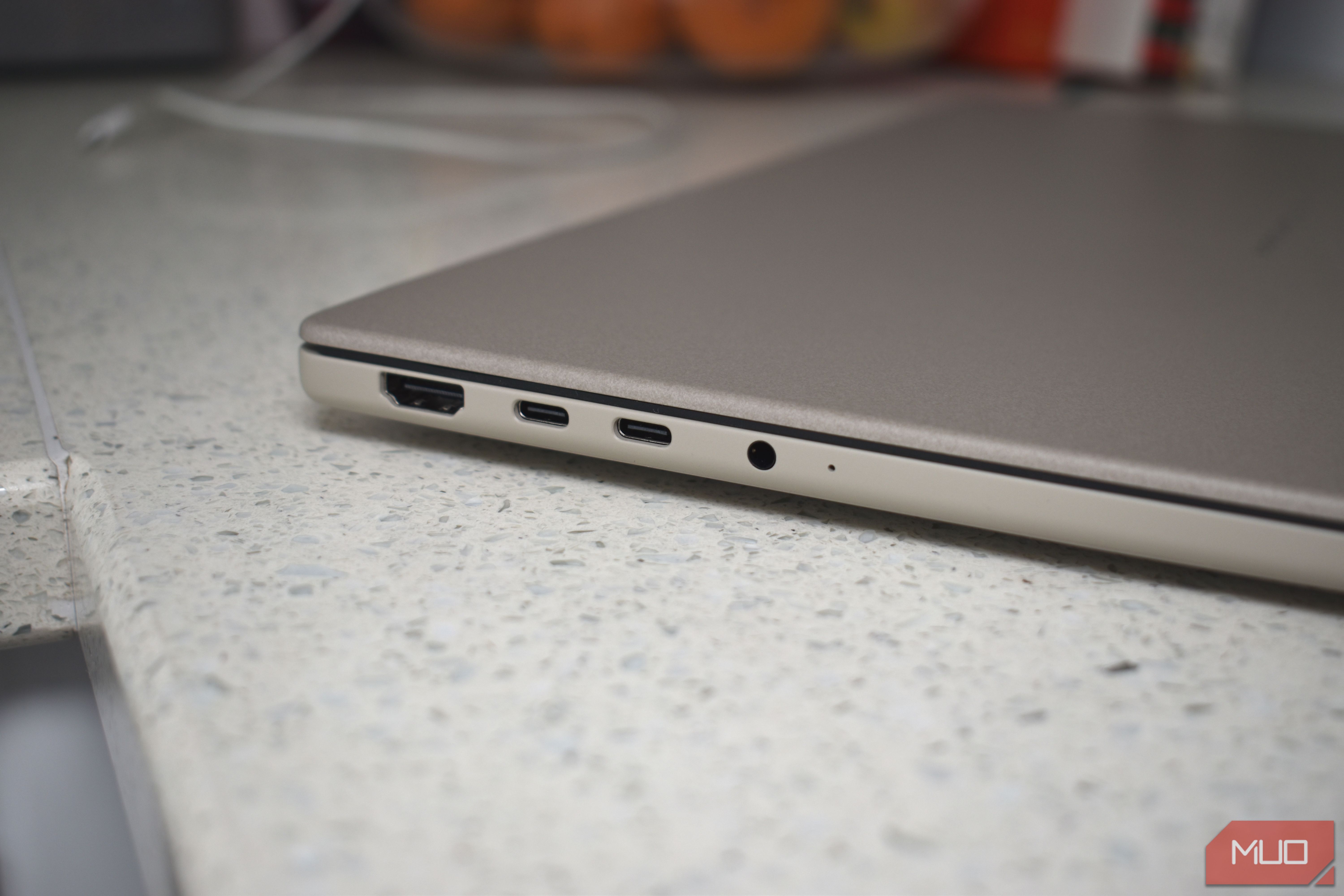
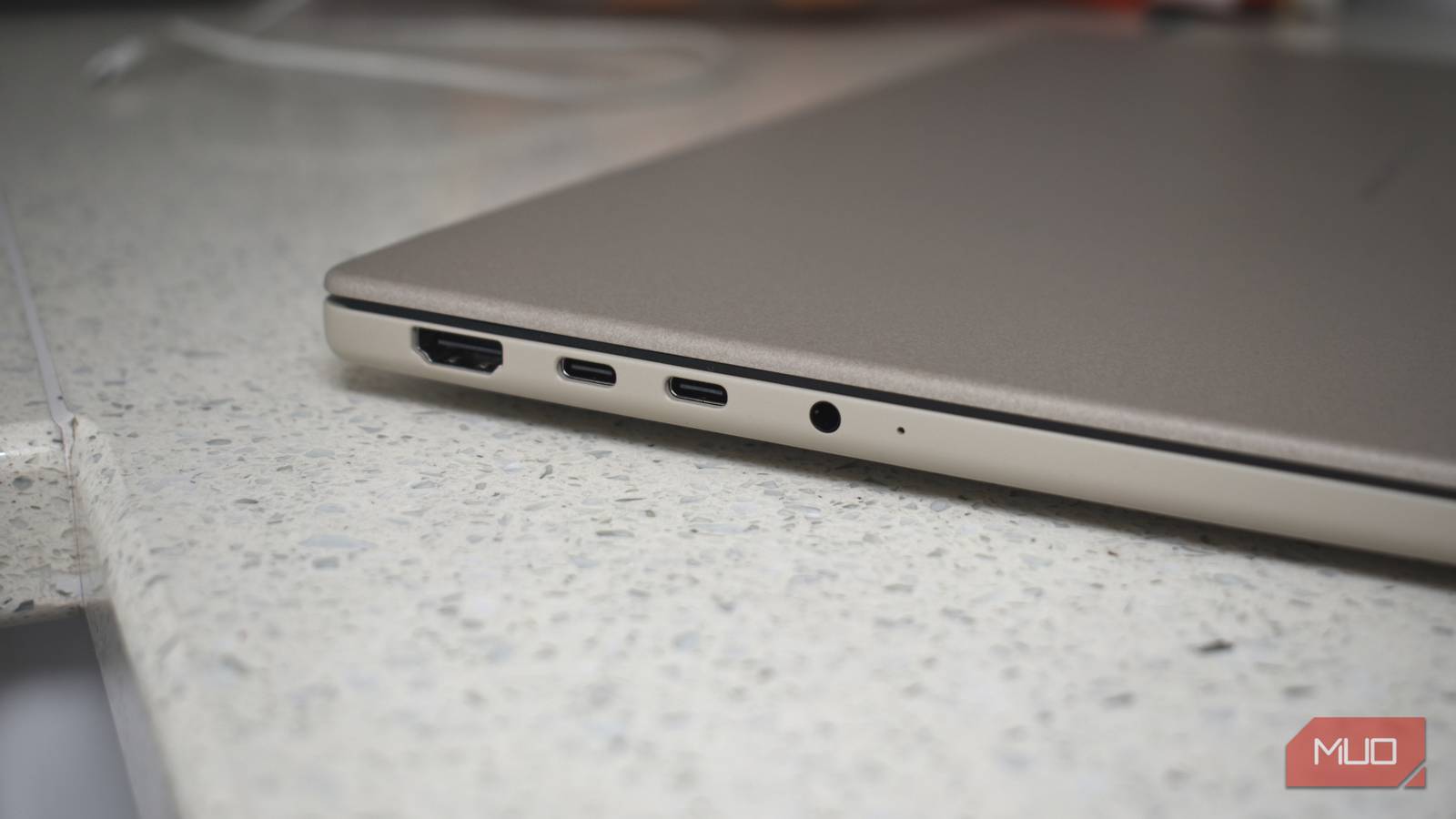
Even worse, a laptop may have multiple ports that appear the same but connect to different internal controllers. One port might share bandwidth with a Thunderbolt controller or a secondary USB hub, drastically reducing real-world speed. Experts have documented cases where a supposed 10 Gbps port delivered only 3.5 Gbps during simultaneous data transfers.
What This Means
For users, this translates to slower file transfers, longer backup times, and frustration when external SSDs fail to reach their rated speeds. If you rely on a laptop for professional video editing or large data migrations, the advertised USB performance may be a frustrating illusion.
"Consumers need to start treating USB speed claims as hypothetical maximums, not guarantees," advised Marcus Okonkwo, a senior engineer at DataFlow Inc. "The only way to know is to test it yourself with a reliable bandwidth tool." Okonkwo recommends using free utilities like USBDeview or CrystalDiskMark to measure actual throughput.
How to Verify Your Ports
To check your laptop's USB speed, connect an external SSD that you know is capable of high speeds. Then use a benchmarking tool such as CrystalDiskMark (Windows) or Blackmagic Disk Speed Test (macOS). Run a sequential read/write test.
Compare the results against the theoretical maximum of your port's advertised standard. If you see less than 70 percent of that theoretical number, your port likely has bandwidth limitations. Try a different port on the same laptop — results often vary by up to 40 percent.
Expert Warning
"Manufacturers rarely publish the real-world bandwidth of individual USB ports in their spec sheets," said Dr. Tran. "They rely on the generic USB standard naming, knowing most people won't bother to test." This lack of transparency is especially problematic in thin‑and‑light laptops where space constraints force compromises in USB controller routing.
Industry insiders suggest that the upcoming USB4 standard, which brings a unified naming scheme and mandatory certification, may help — but full adoption is still years away. Until then, buyer beware remains the only safe assumption.
Conclusion
The USB port on your laptop may not be as fast as its label claims. With confusing naming and hidden hardware limitations, the only reliable method to know your port's real speed is to test it yourself. Experts urge consumers to demand more transparency from laptop makers and to use benchmarking tools before trusting a port's advertised speed.